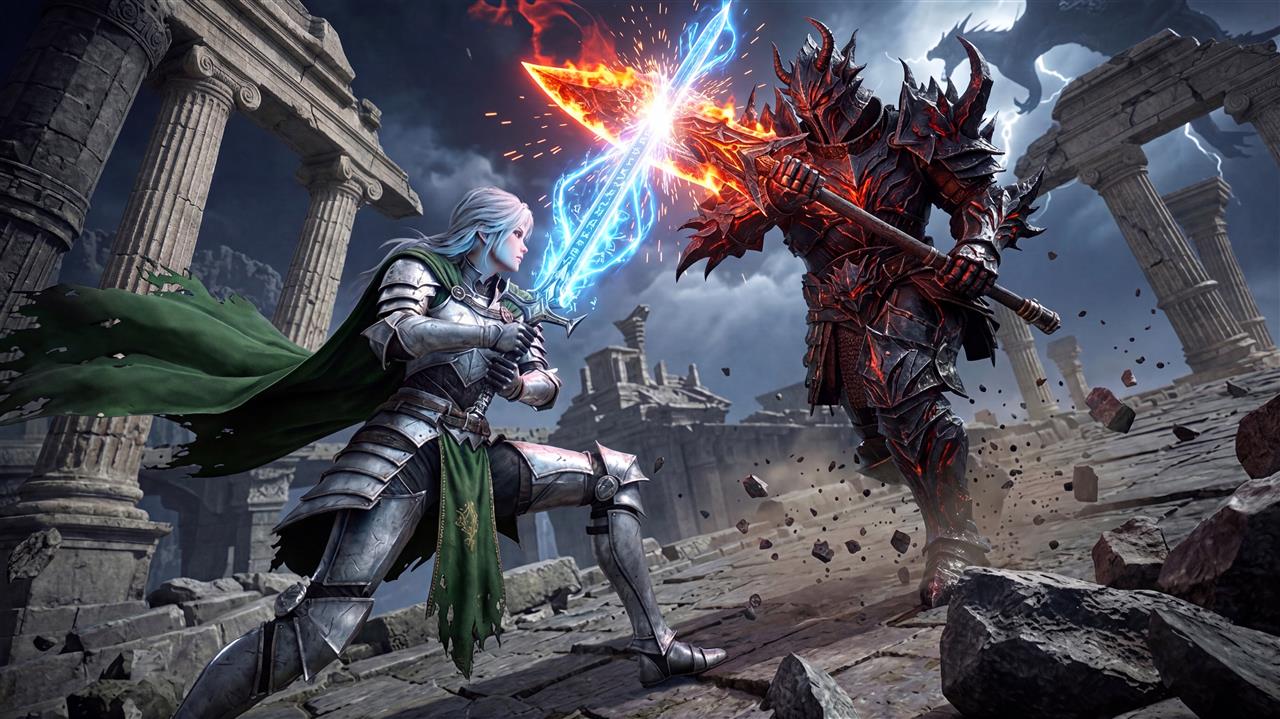
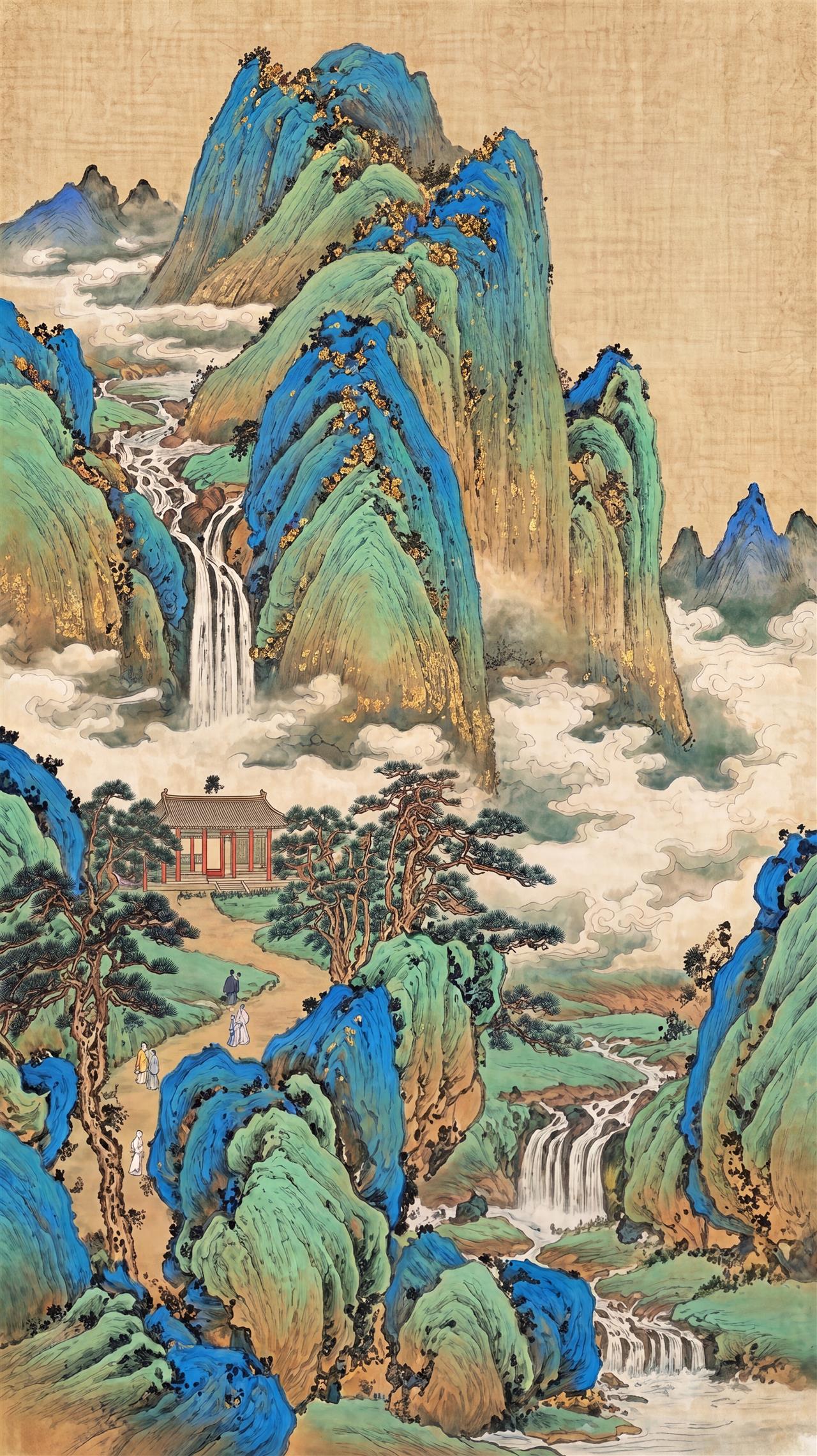
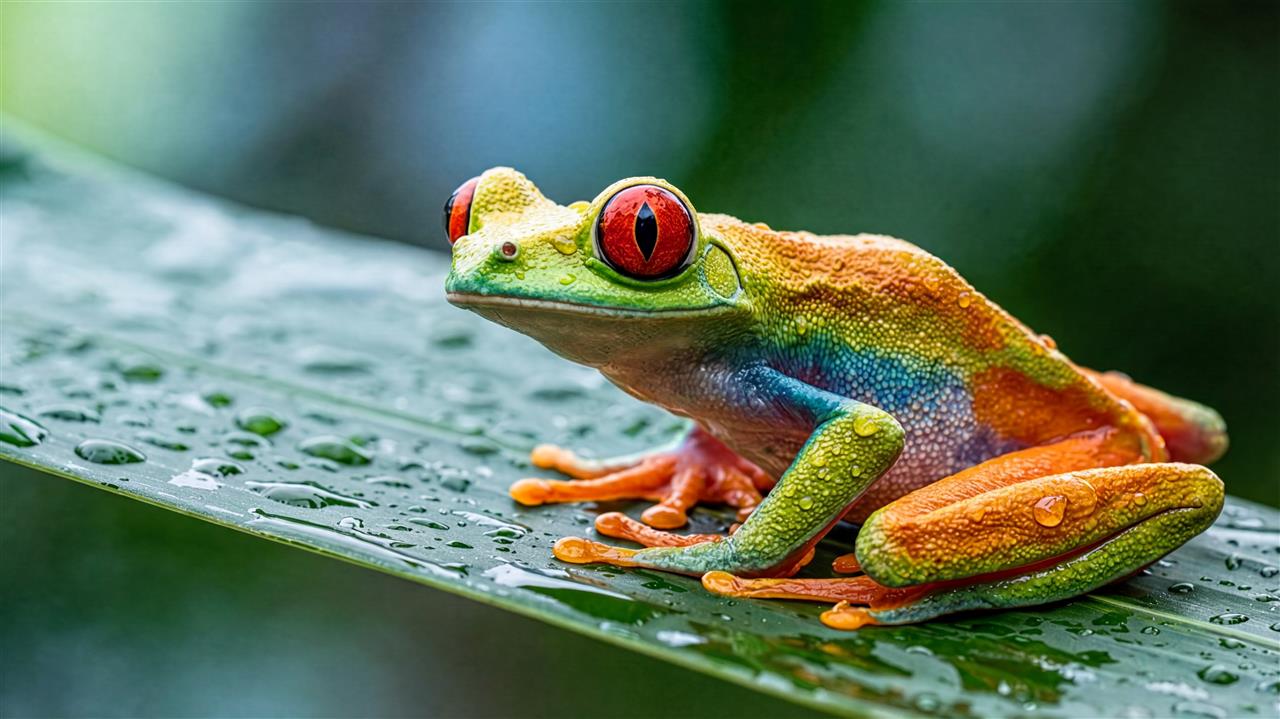
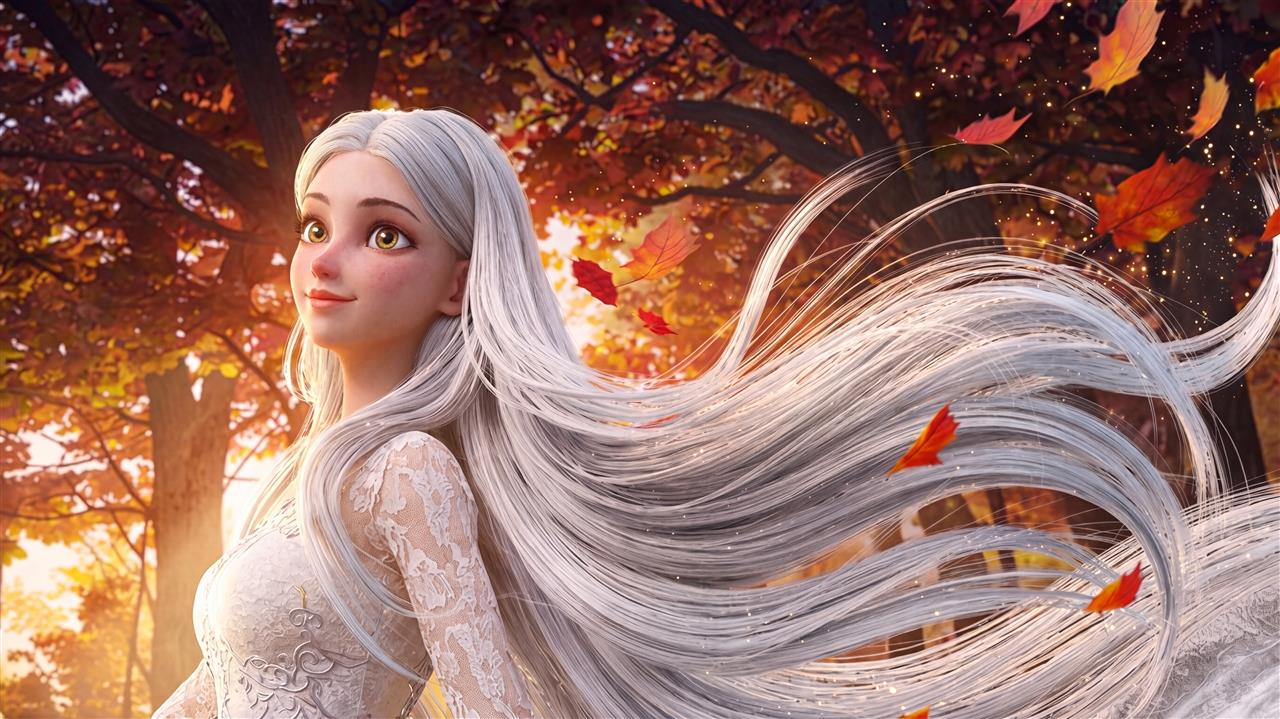
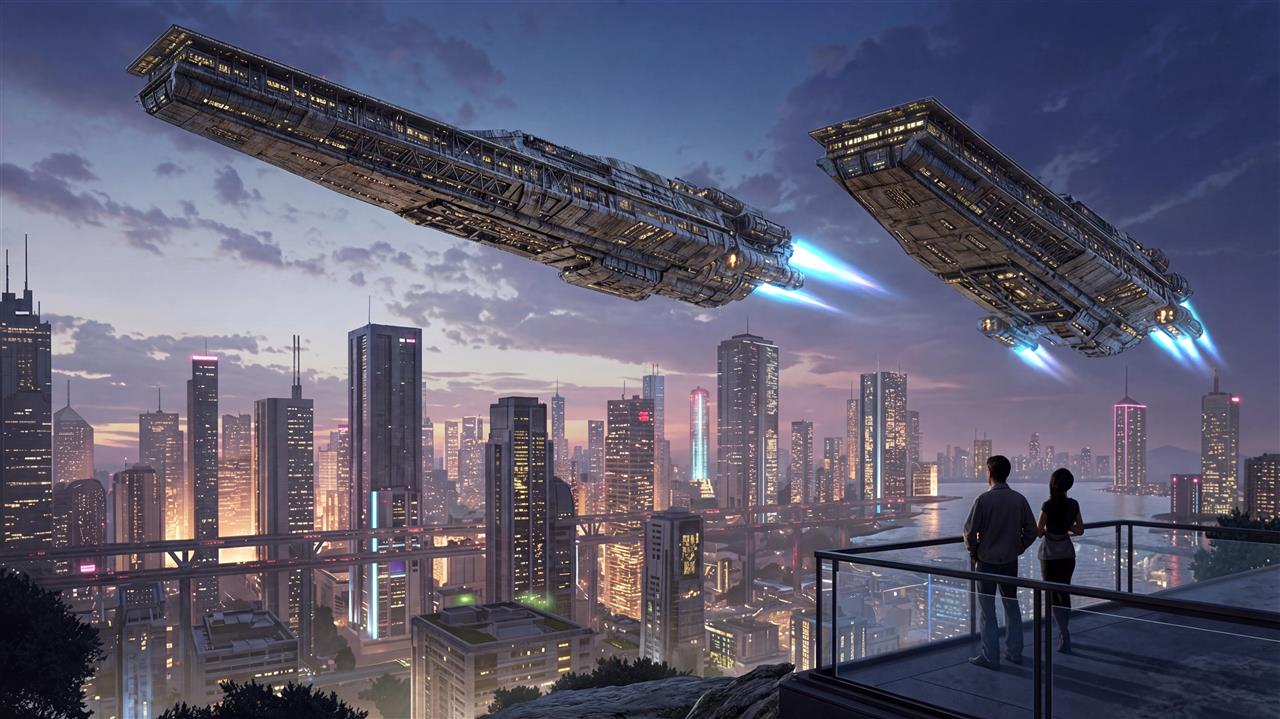
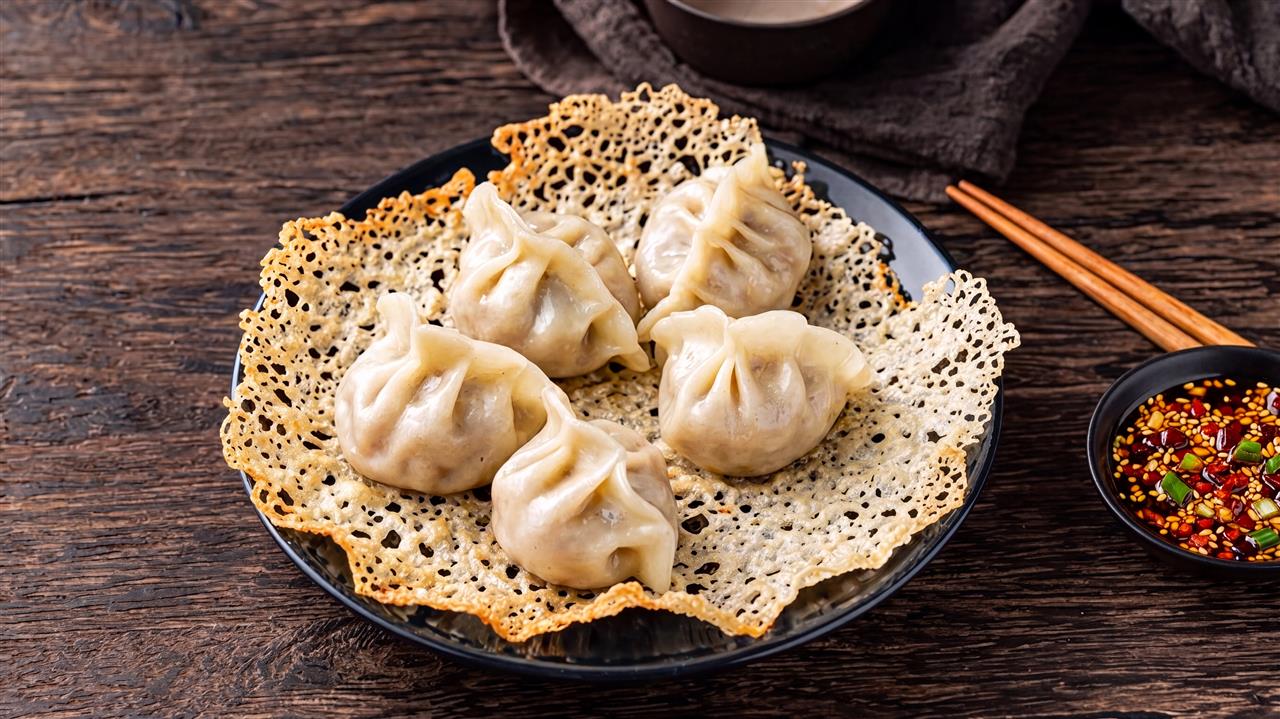
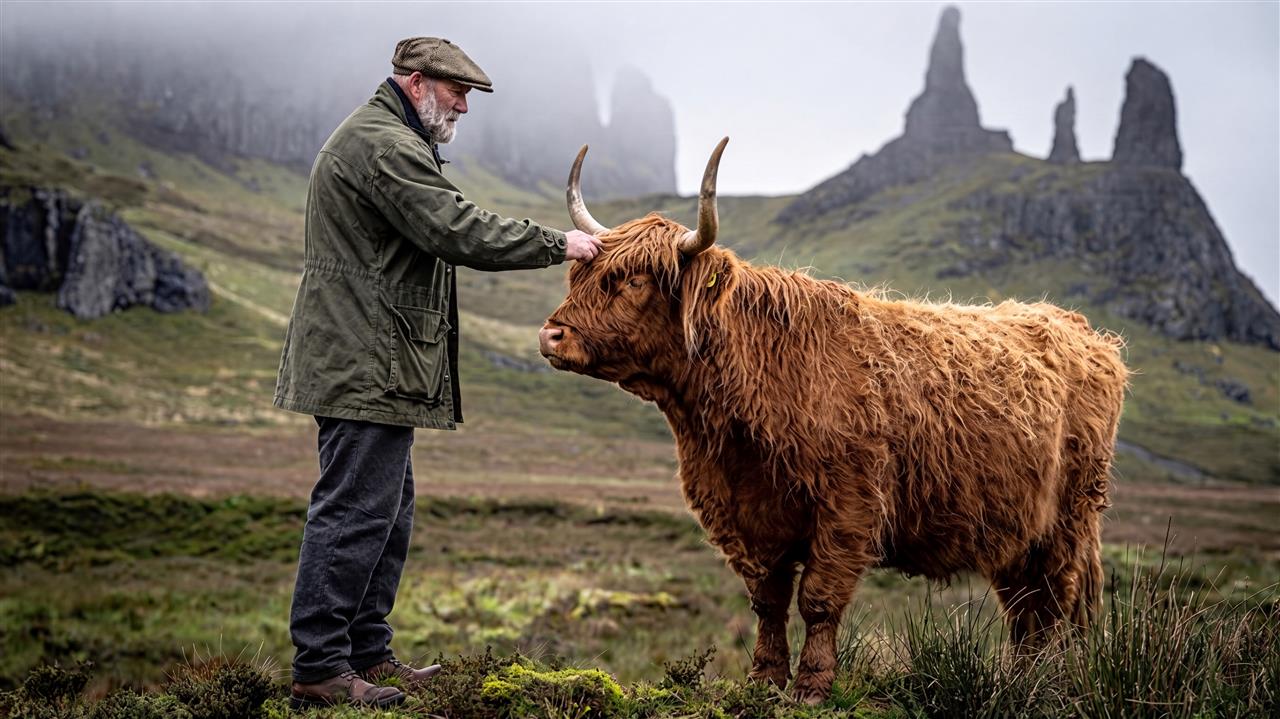
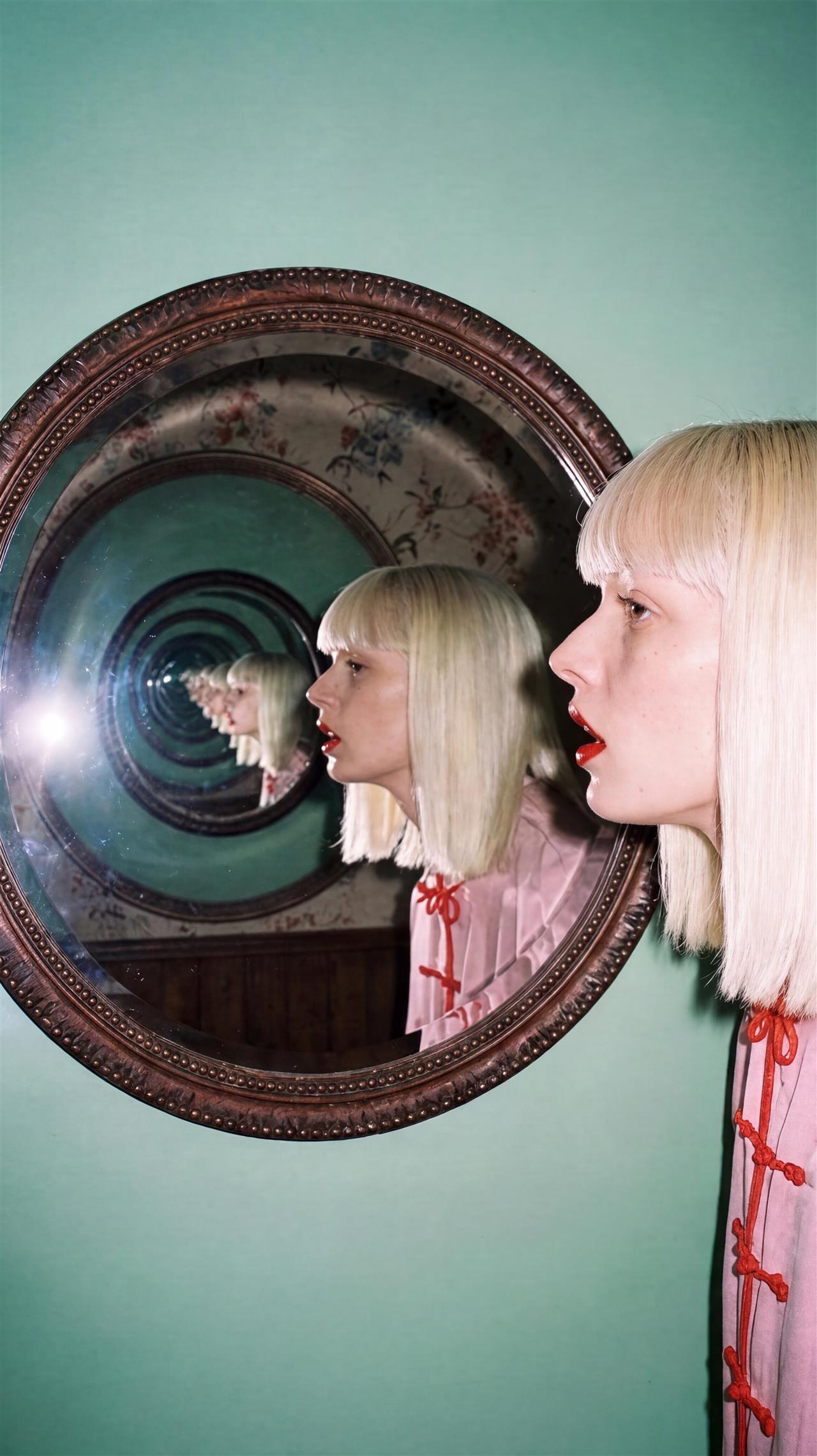
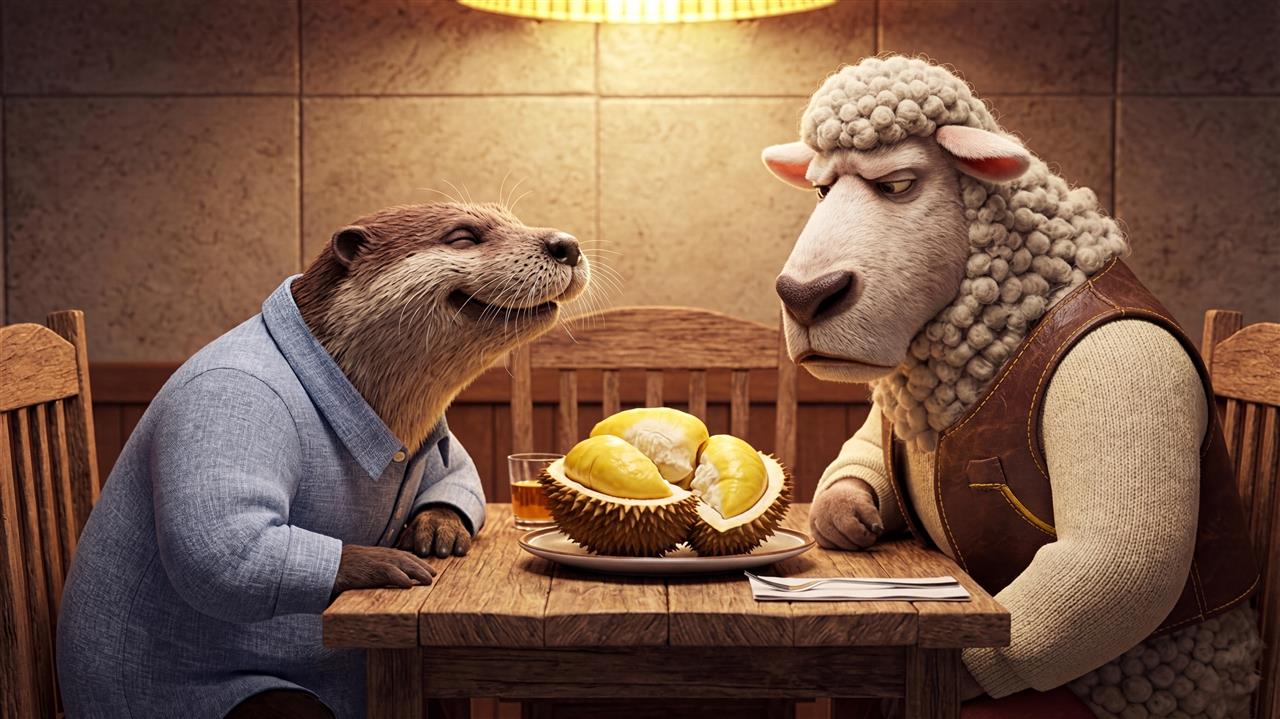
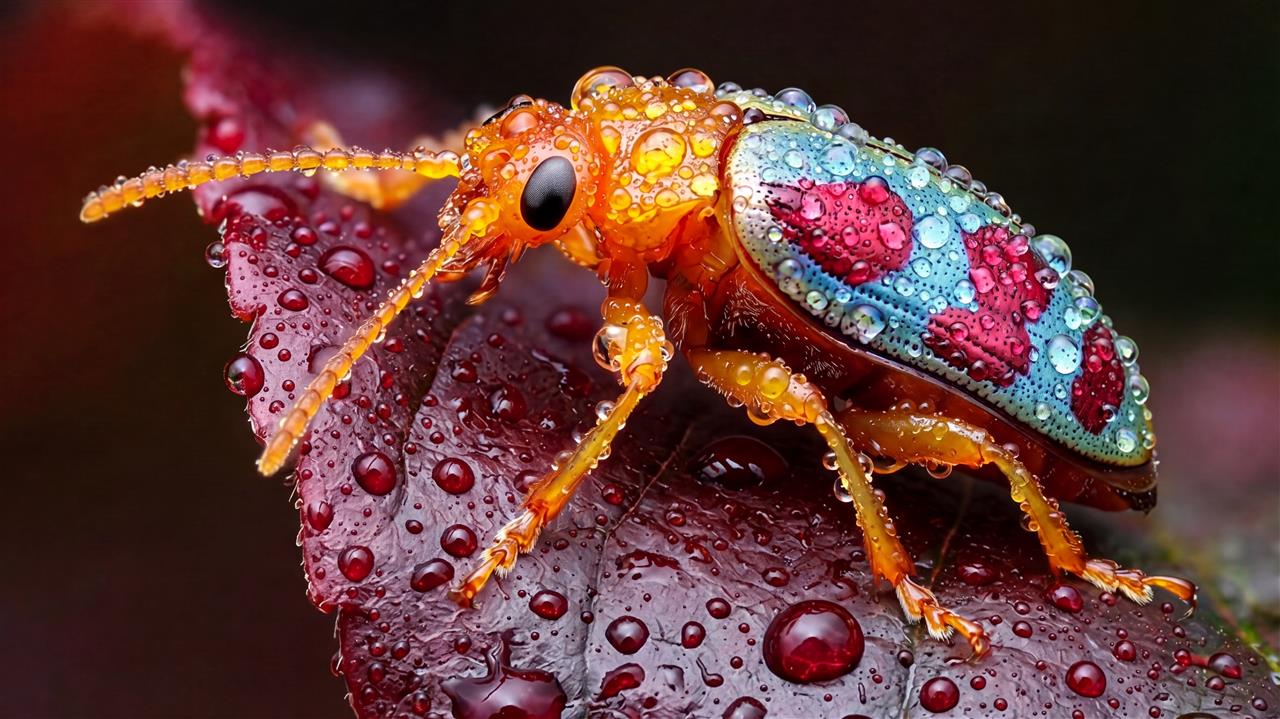
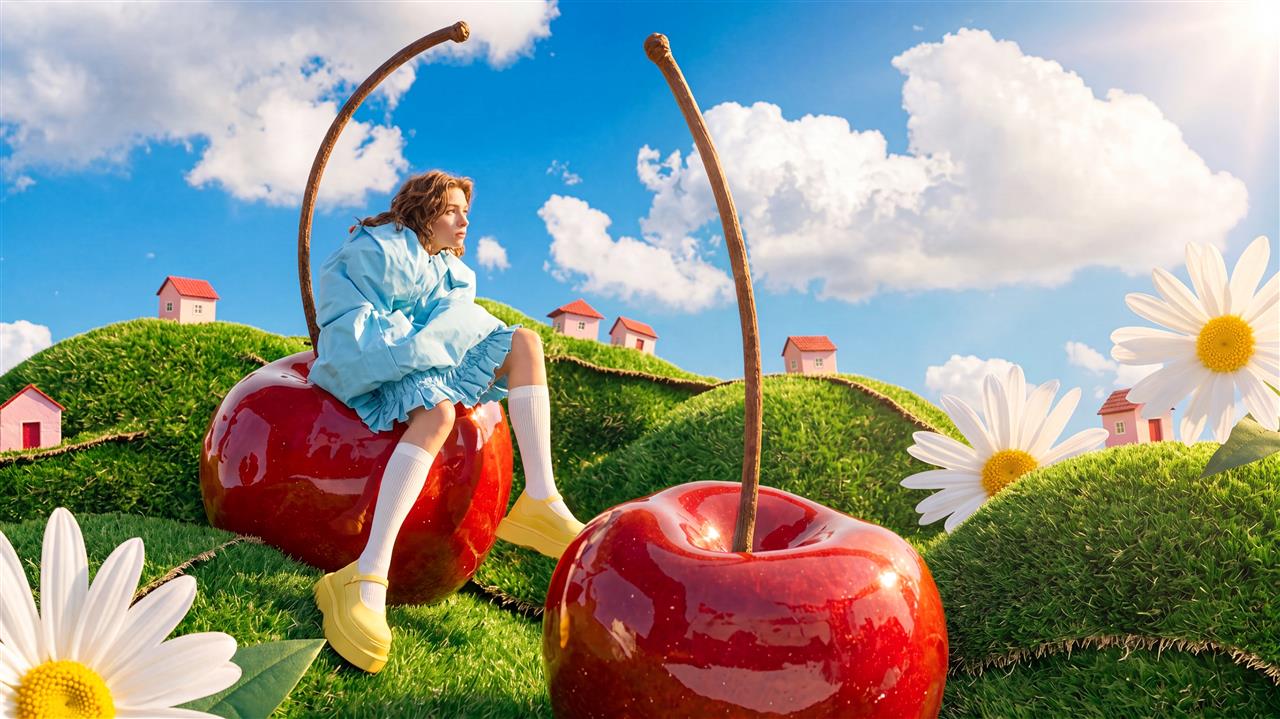
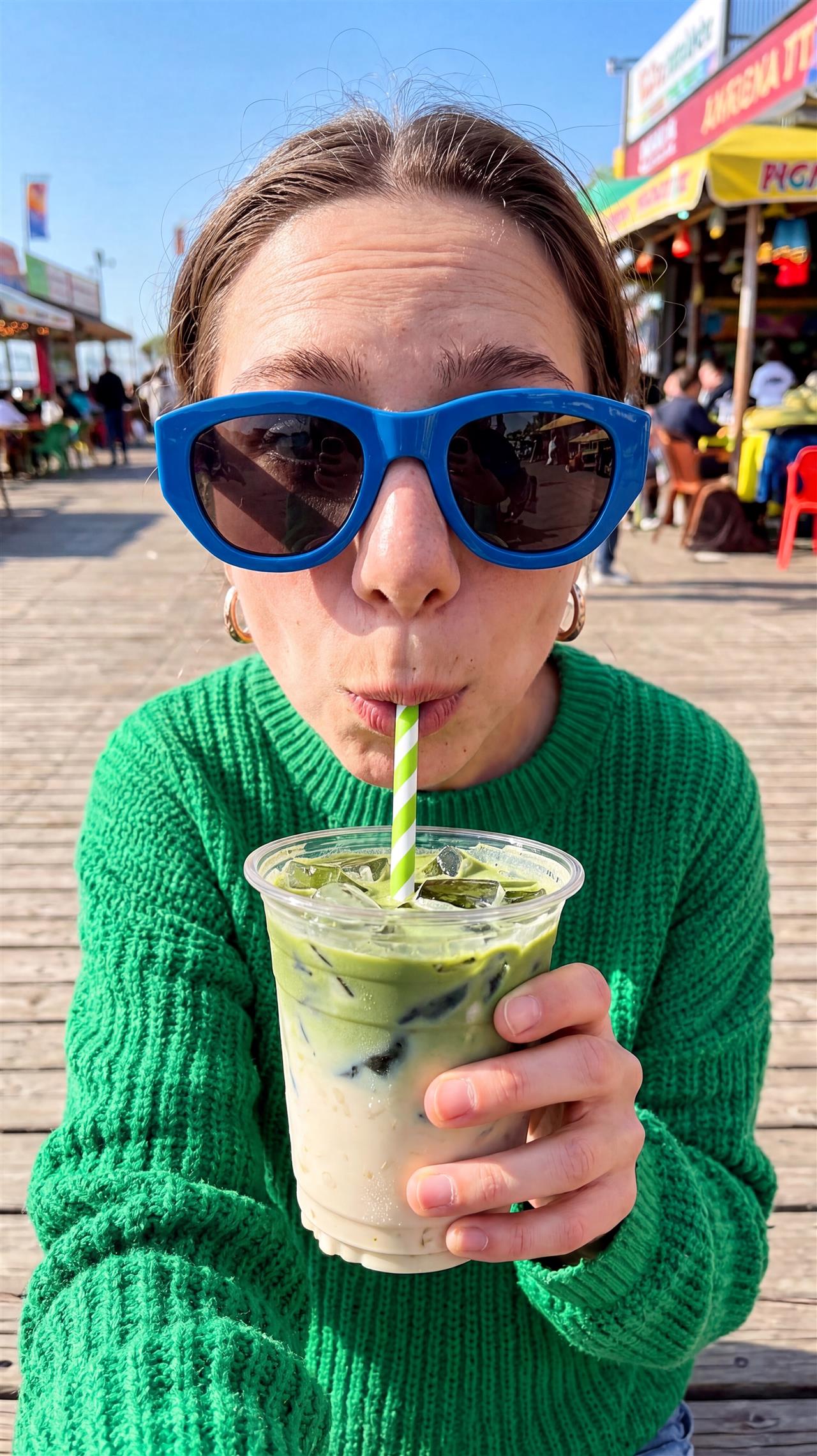
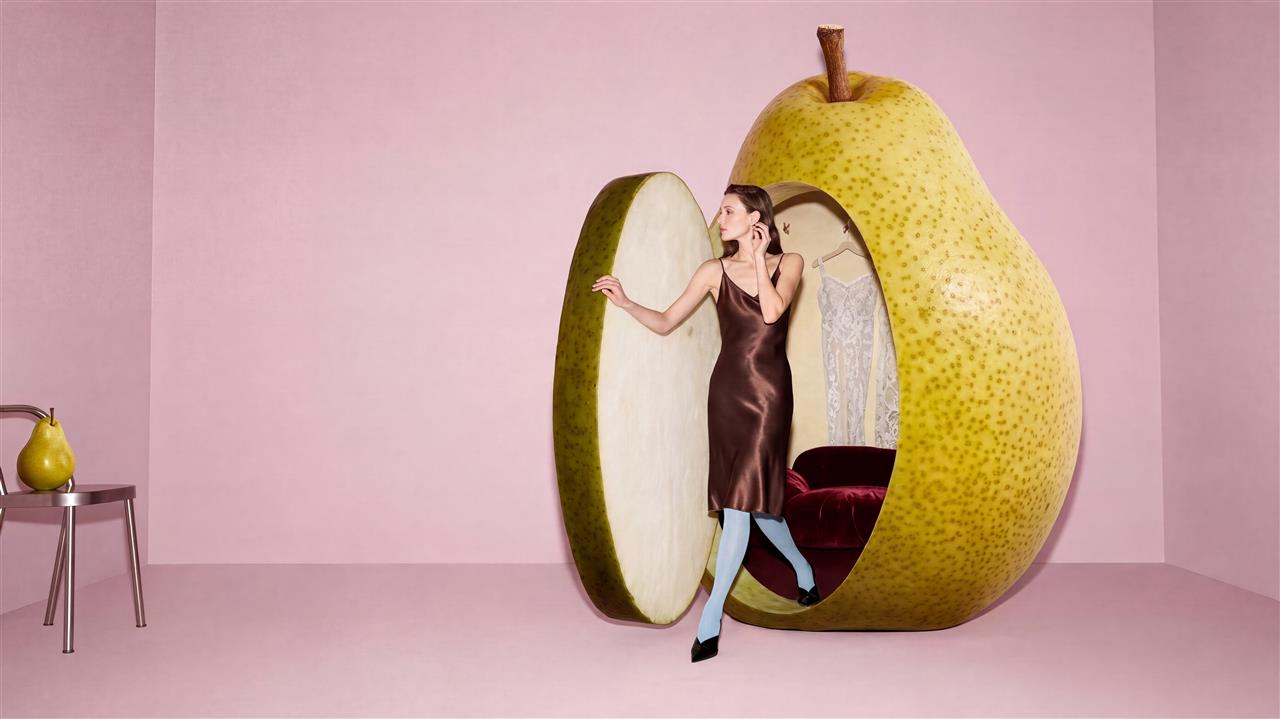
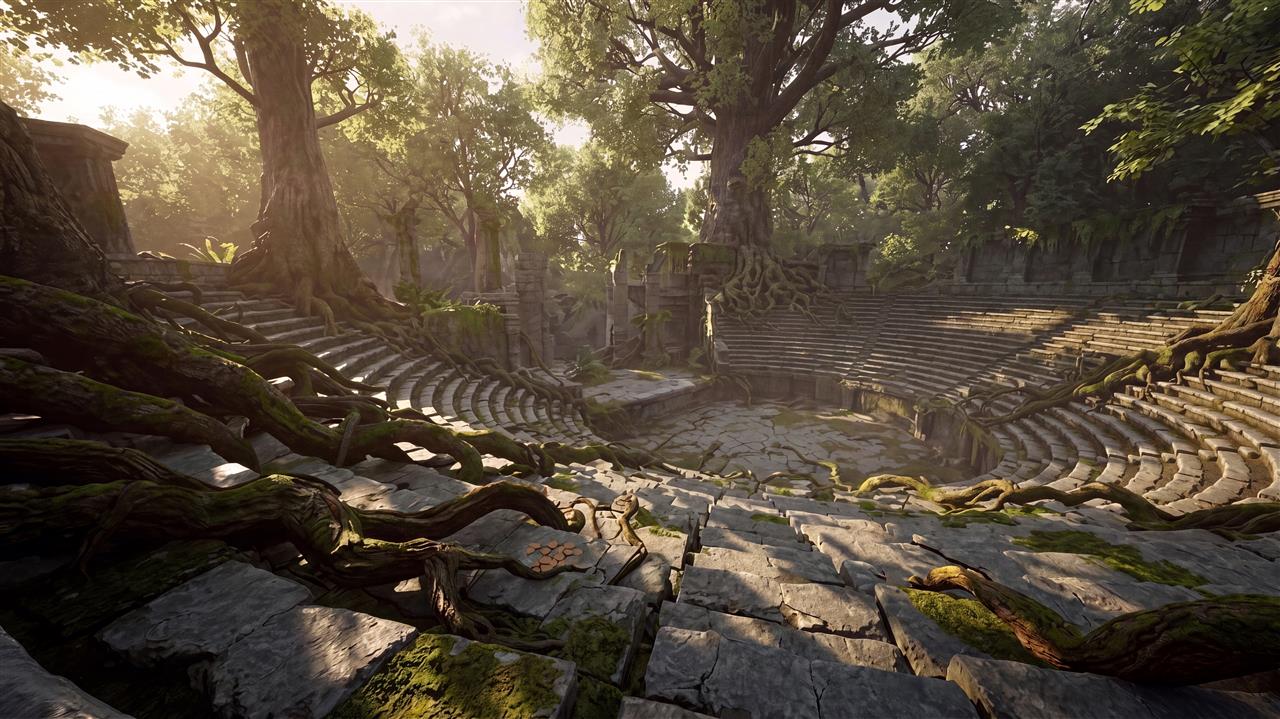
Create and edit stunning AI images with MiniMax H3 Image. Generate native 4K visuals from text prompts, edit existing photos, and combine up to 16 reference images—all in one online AI image generator.
MiniMax H3 Image is an AI image generator and editor for creating and editing still images. Give it a written description to develop a new picture, or use reference images to guide a subject, setting, and visual style. It brings text-to-image creation and image editing together, with support for native 4K output and up to 16 references.
Use the H3 Image AI image generator to make a visual brief tangible. A few sentences describe what belongs in the frame, how the light falls, and which details matter. Reference images add visual information that would be difficult to describe precisely, such as a fabric texture or a particular product shape.
With H3 Image, the AI image generator workflow takes you from an idea to a picture you can inspect and refine. Explore the possibilities through the examples below, then choose a creative direction for your own brief.
Created with H3 Image
Explore the images and open any caption to read its prompt.
A Natural Portrait
+
H3 Image · 9:16 · 3072 × 5472
Photorealistic editorial portrait of a friendly young adult man with swept brown hair, short natural stubble and black rectangular glasses, wearing a plain off-white crew-neck T-shirt. Head and shoulders, facing camera, subtle relaxed smile, neutral light-gray studio wall, soft window daylight from the left, realistic skin pores and fine hair detail, gentle shallow depth of field, understated natural color grading, centered composition. No text, no logos, no watermark.
Food with Texture
+
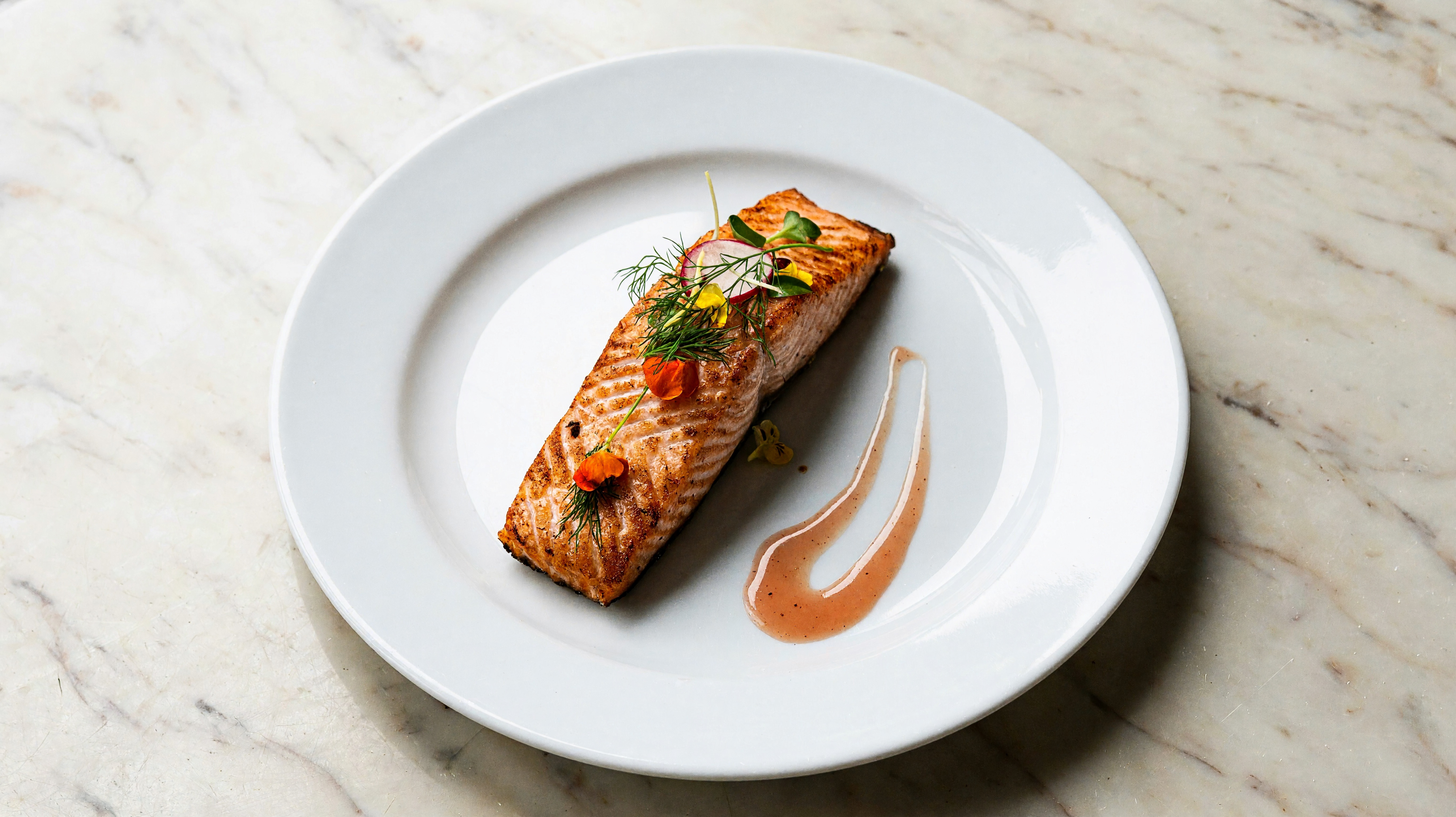
H3 Image · 16:9 · 5472 × 3072
Photorealistic fine dining food photograph of a seared salmon fillet on a large white ceramic plate, crisp golden surface, moist salmon flakes, fresh dill and small green herbs, delicate colorful vegetable garnish and a restrained sauce. Three-quarter overhead view on a pale tabletop, soft window light from the left, subtle shadows, accurate natural food texture, editorial restaurant photography, appetizing and elegant. No text, no logos, no watermark. Wide environmental composition, camera pulled back. A single complete salmon fillet is arranged nearly vertically on the plate, with the entire fillet and herbs contained within the central 30 percent of the image width. Generous real tabletop surrounds the plate on both sides. The central vertical crop must show the whole salmon from end to end. No border or letterboxing.
A Quiet Alpine Lake
+
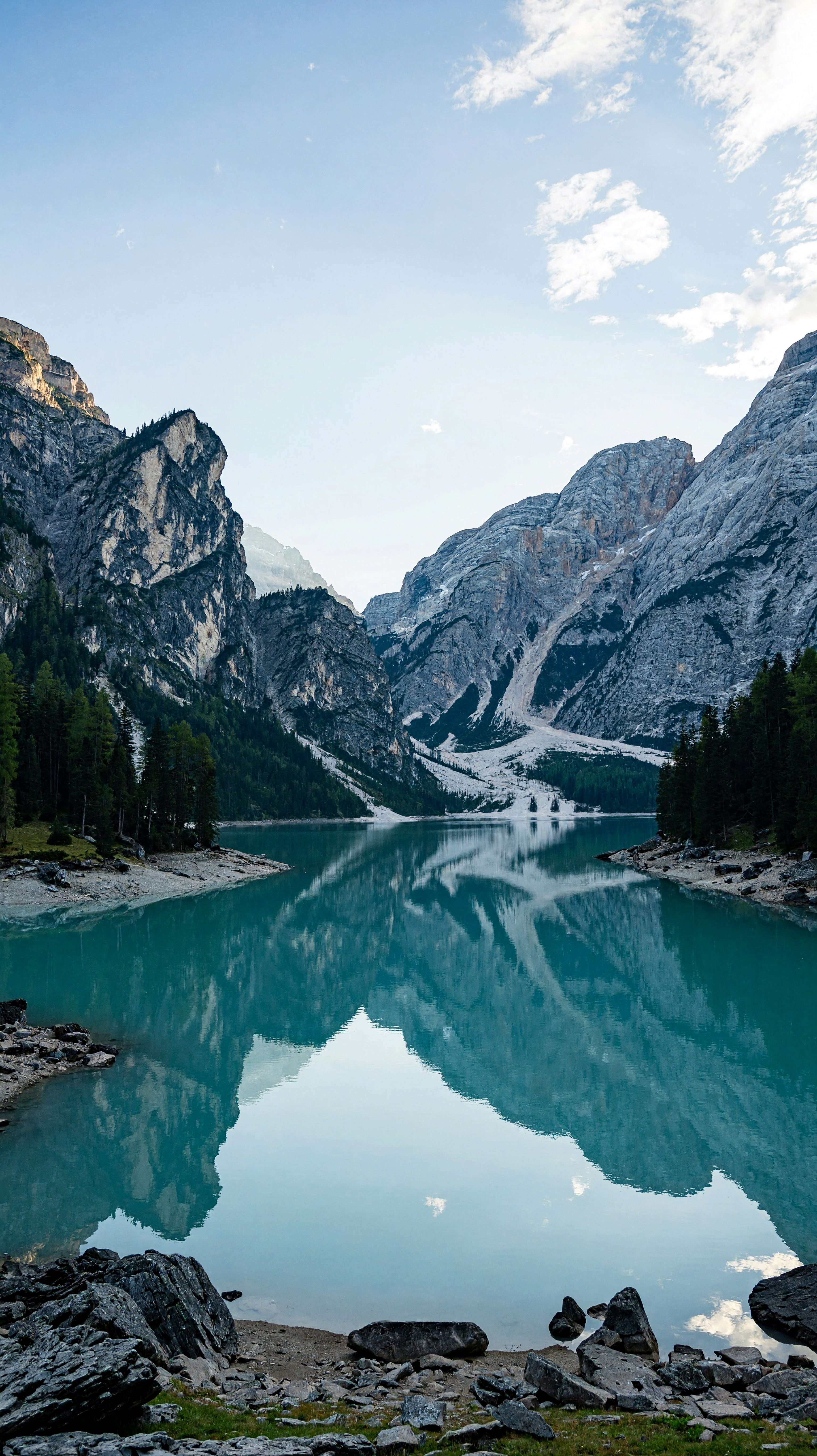
H3 Image · 9:16 · 3072 × 5472
Photorealistic alpine landscape: a still turquoise glacial lake between towering rugged limestone mountain cliffs, dark evergreen trees at the shore, distant snow traces, pale blue sky and delicate clouds. View from the rocky lakeshore with clear foreground stones and layered mountains in the distance. Soft early morning daylight, restrained cool colors, crisp natural detail and realistic reflections. No people, no buildings, no text, no watermark.
Glass and Soft Light
+
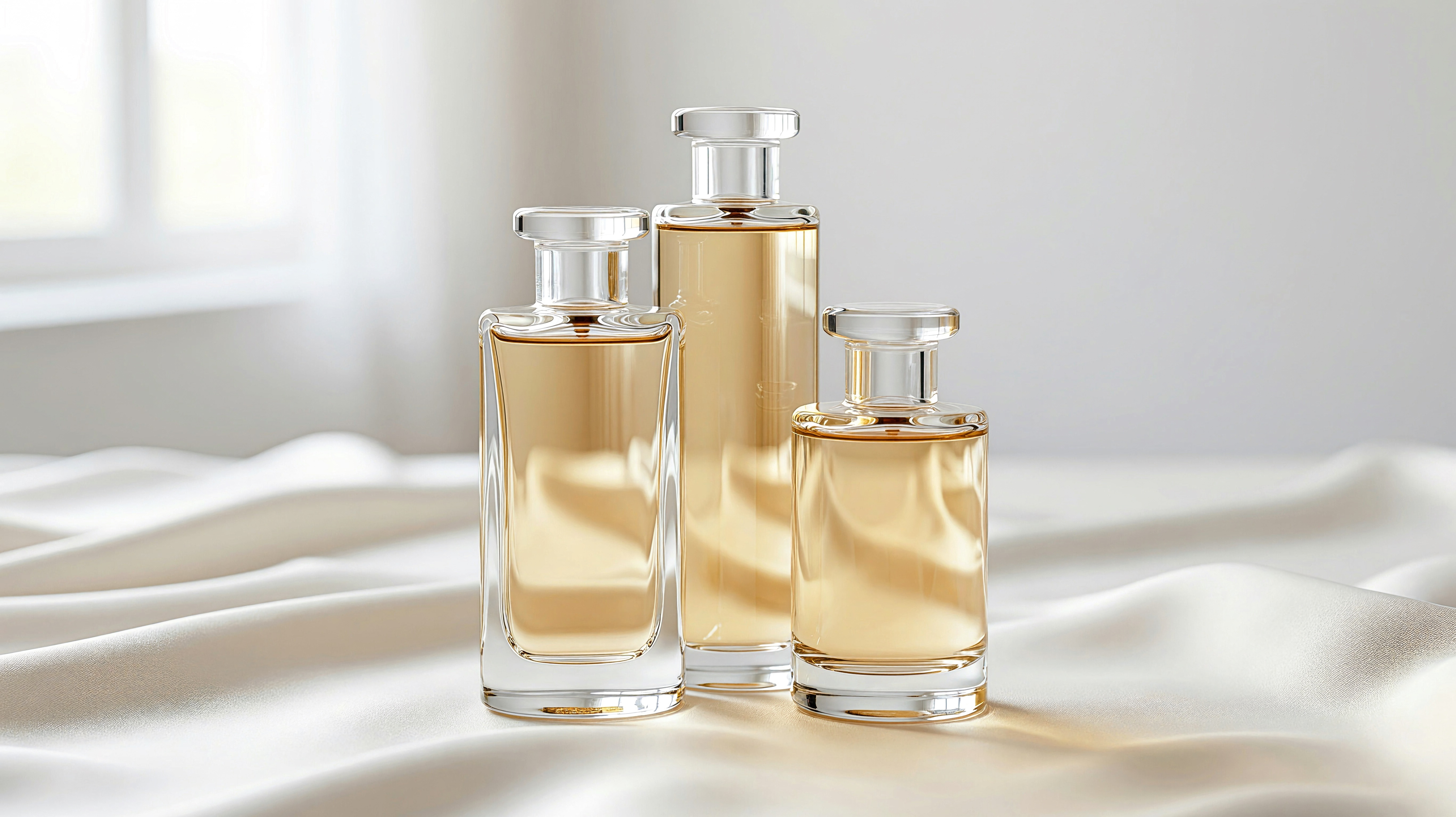
H3 Image · 16:9 · 5472 × 3072
Photorealistic luxury product still life of three unbranded clear glass perfume bottles with pale amber liquid and simple transparent caps, arranged at different heights on soft ivory fabric. Gentle folds, translucent glass edges, physically believable refraction, delicate reflections and soft shadows, airy white background, diffused window light, refined editorial product photography. No labels, no lettering, no logos, no watermark. Wide environmental composition, camera pulled back. Arrange all three bottles as a tight overlapping triangular group in the middle, fully contained within the central 32 percent of the image width, with generous real ivory fabric scenery on either side. All bottle caps and bases remain visible. The central vertical crop must contain all three bottles. No border or letterboxing.
Architectural Lines
+
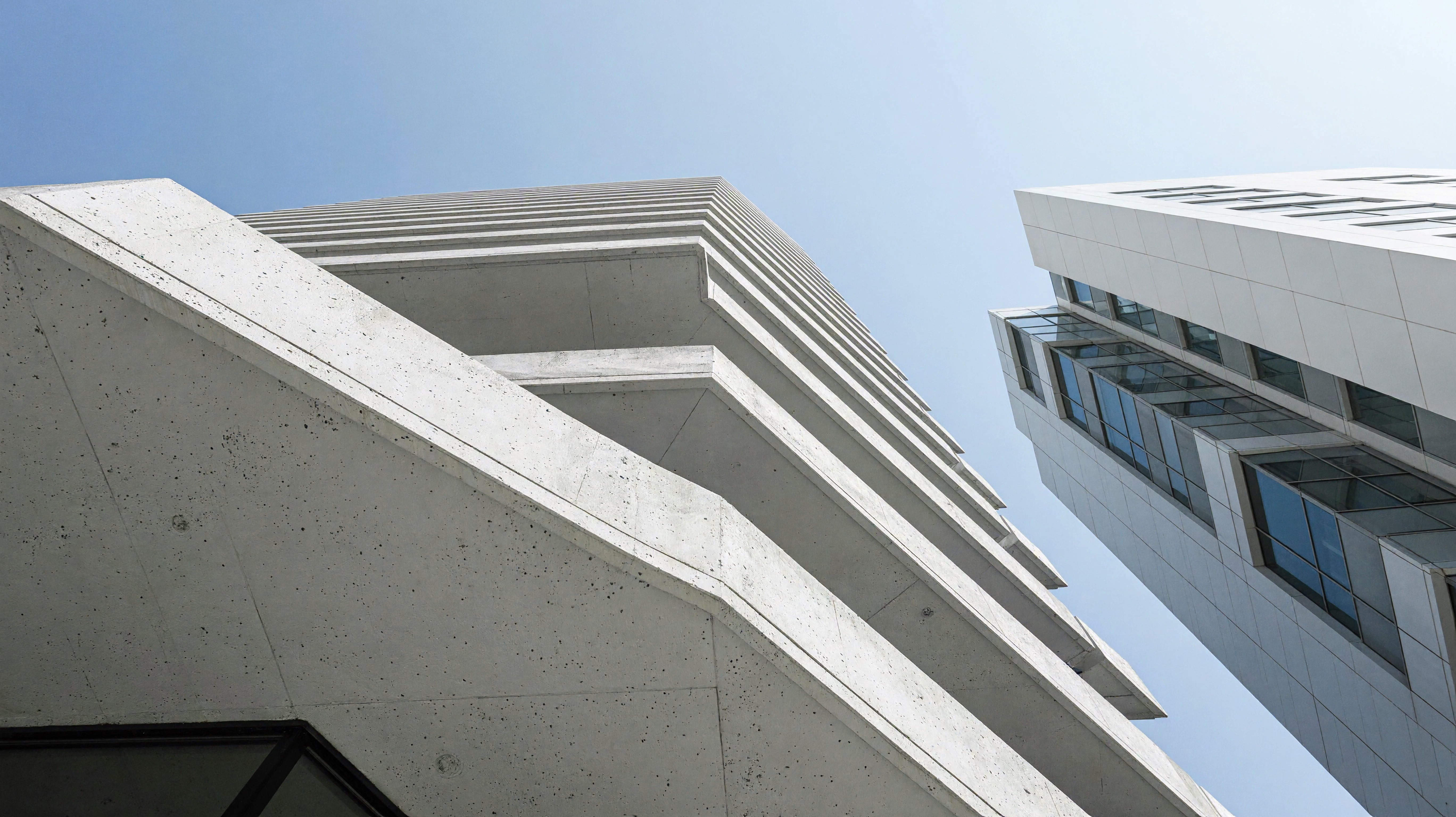
H3 Image · 16:9 · 5472 × 3072
Photorealistic architectural photograph of sculptural modern white buildings with angular facades, crisp diagonal edges, recessed glass windows and clean intersecting planes beneath a clear pale blue sky. Low upward viewpoint, strong geometric composition, natural midday sunlight and precise shadow boundaries, realistic white concrete texture, minimal elegant city architecture. No signage, no text, no watermark.
Motion in the Surf
+
H3 Image · 16:9 · 5472 × 3072
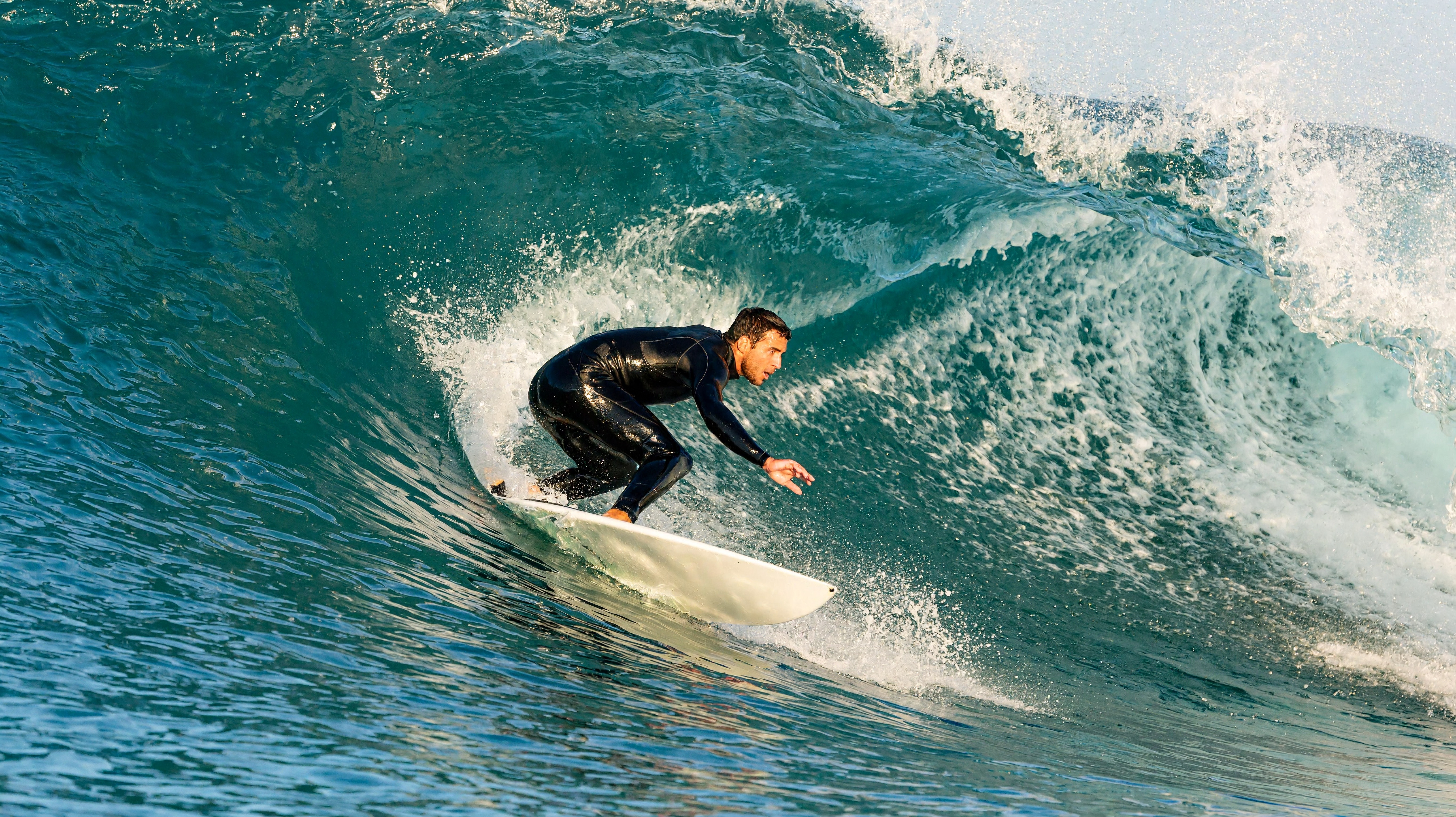
Photorealistic action surf photograph of an adult surfer riding inside a powerful curling turquoise ocean wave, balanced athletic posture on a white surfboard, translucent water barrel overhead, sparkling fine spray and textured white foam. Water-level camera angle, fast shutter freezing droplets, sunlight passing through the wave, dynamic but anatomically believable action, detailed natural ocean color. No text, no logos, no watermark.
Mountains After Dark
+
H3 Image · 16:9 · 5472 × 3072
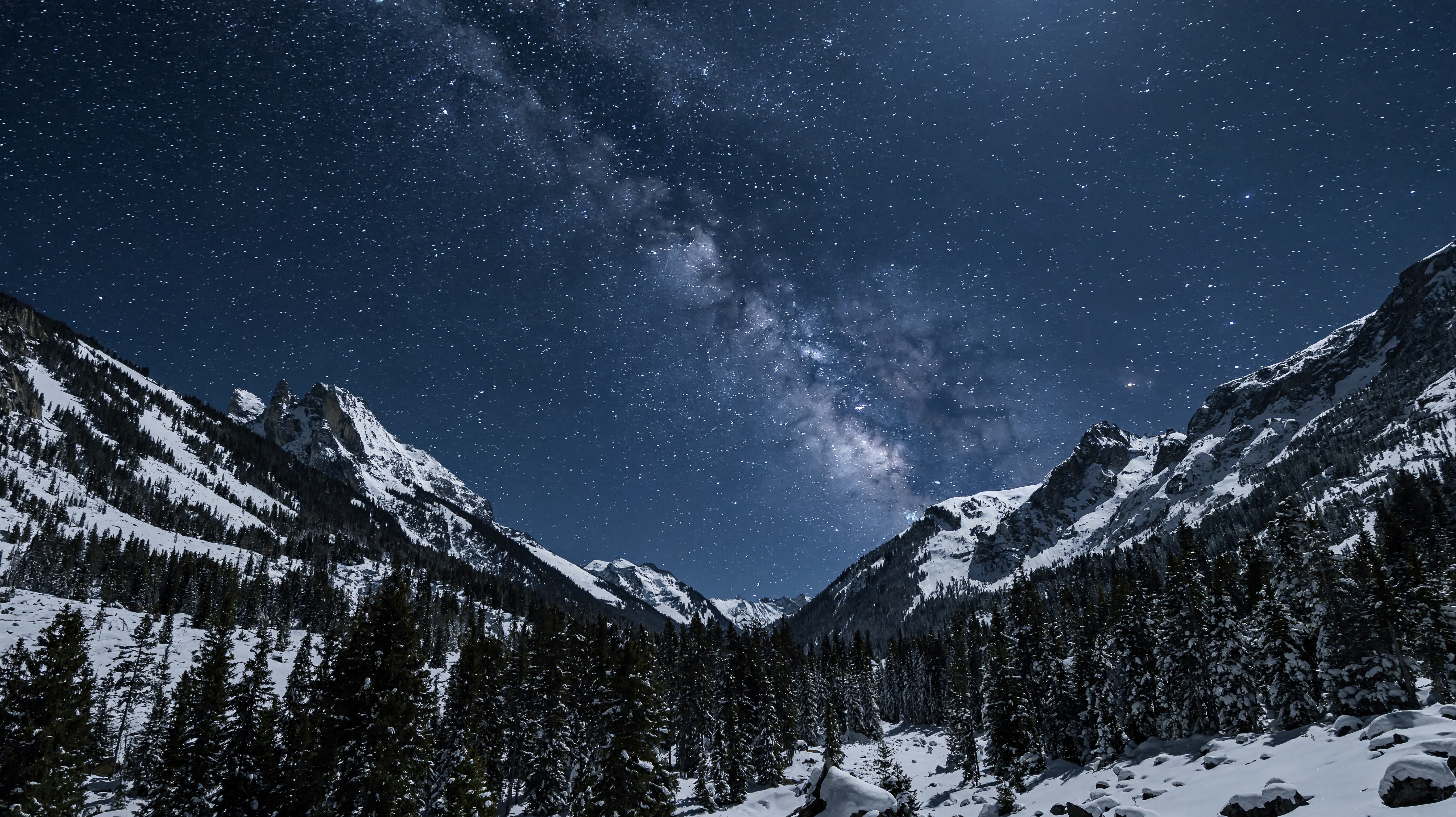
Photorealistic night landscape of snow-covered alpine peaks above a dark evergreen forest, a vast clear star-filled sky and subtle Milky Way, faint cool moonlight describing rocky ridges and snow texture. Balanced mountain silhouettes, deep blue natural night tones, realistic astrophotography exposure, crisp stars without exaggerated planets or fantastical objects. No people, no buildings, no text, no watermark.
Looking Up at the City
+
H3 Image · 16:9 · 5472 × 3072
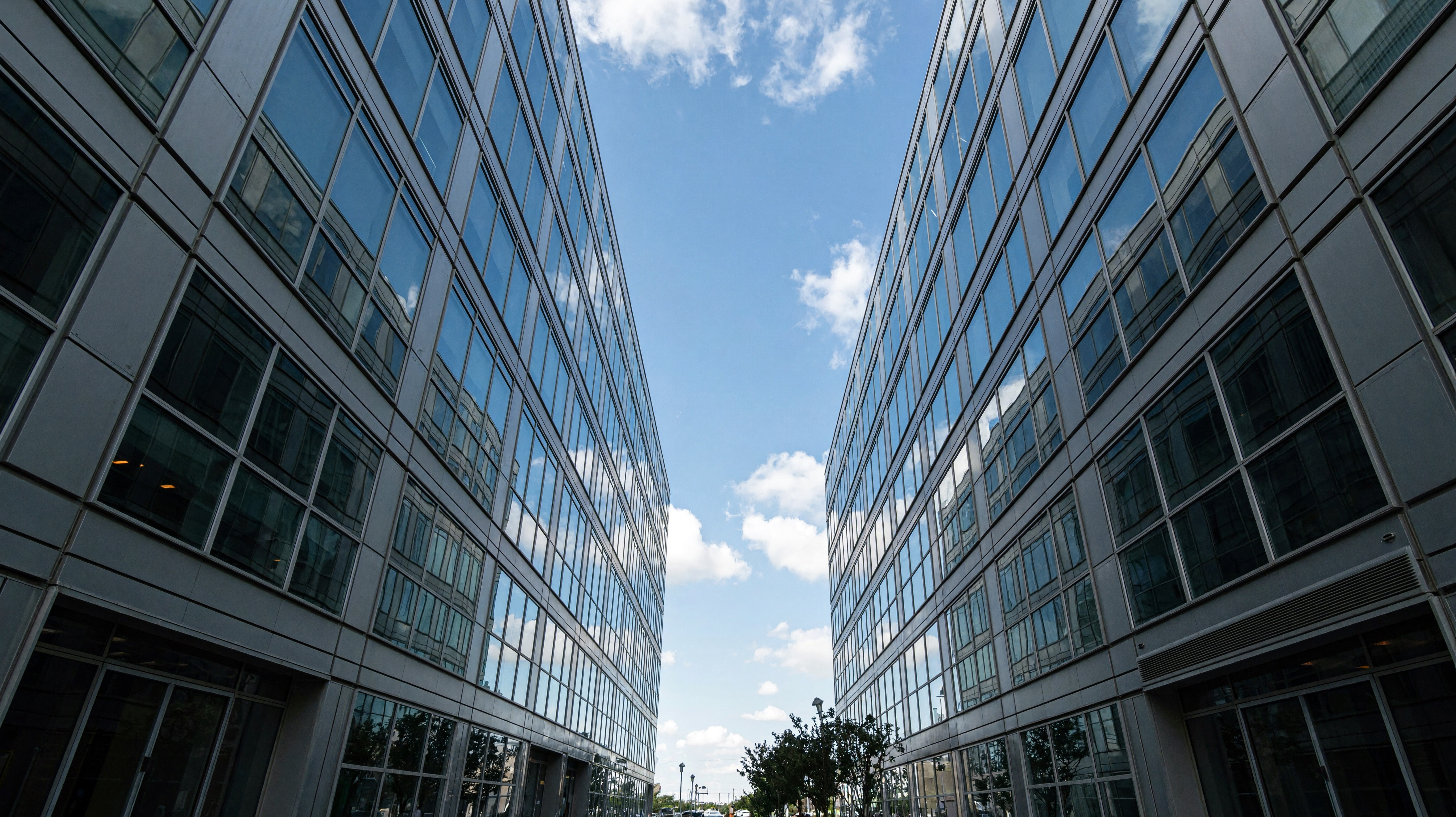
Photorealistic architectural photograph looking straight upward from a city street between tall contemporary glass office towers, converging vertical lines framing a patch of blue sky, reflective blue-gray windows, precise steel mullions, soft cloud reflections, strong sense of scale and depth, clean daytime light, realistic urban geometry. No signs, no text, no logos, no watermark.
03 / HOW IT WORKS
Your H3 Image, in Three Steps.
Start with a simple brief in H3 Image, then let the AI image generator explore it. Add complexity after you know which direction works.
01
Describe the image
Tell the H3 Image AI image generator what to show, where it belongs, and how it should feel. Start with the subject and the composition.
02
Choose your direction
Add references for editing, then choose a canvas and resolution. You can prepare your prompt and settings in the H3 Image AI image generator before signing in.
03
Review and refine
Review your H3 Image result before asking the AI image generator for a focused change. Check the whole image before downloading a final version.
MiniMax H3 Image brings an AI image generator to projects ranging from game worlds to everyday work. Explore three H3 Image examples in each category, then adapt the H3 Image prompt to your brief.
Game Concepts with H3 Image
H3 Image AI image generator promptH3 Image · 4K
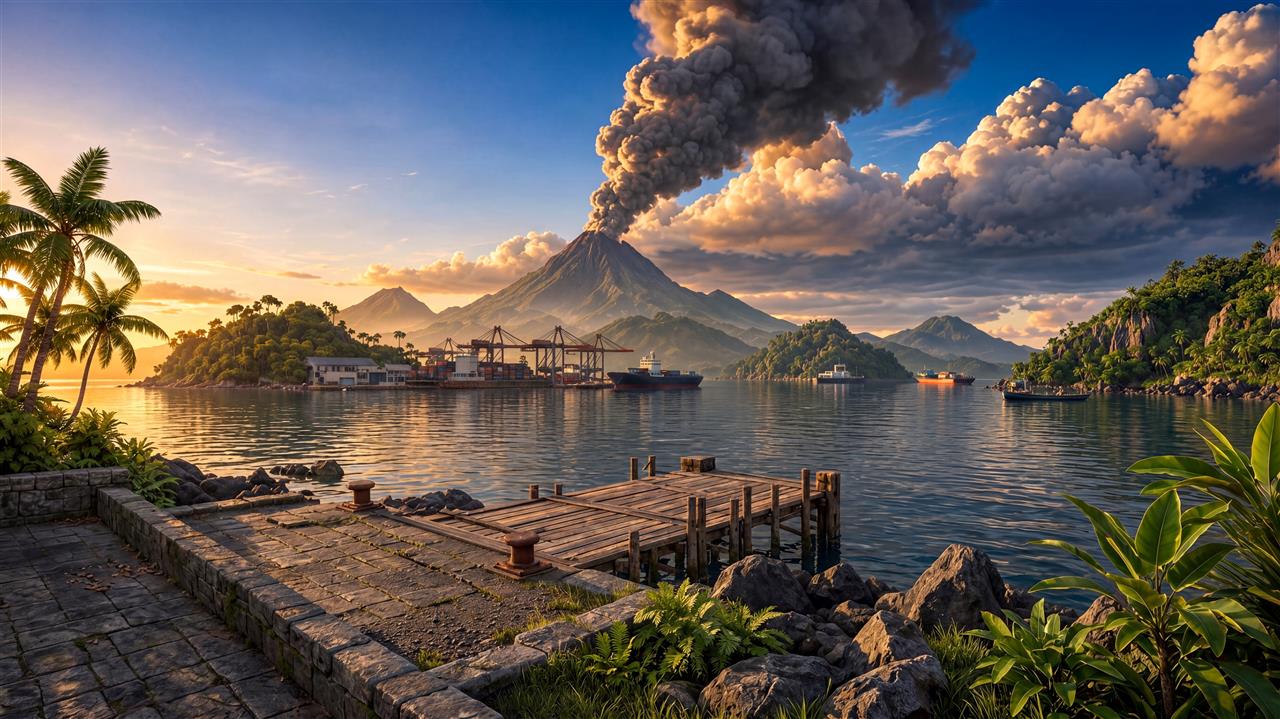
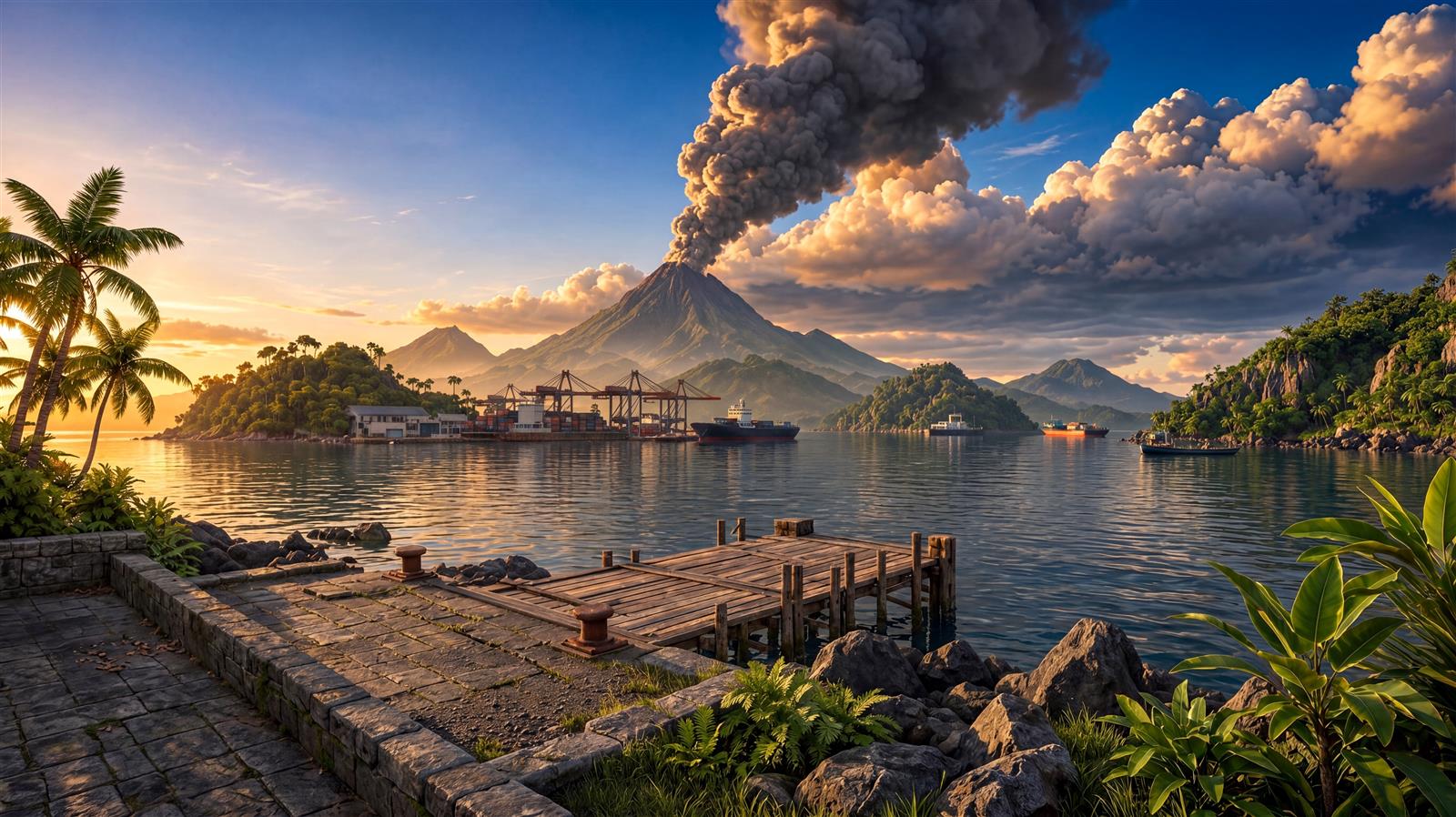
Create a cinematic game environment based closely on the reference: a quiet tropical harbor, wooden pier in the foreground, palms at the edges, boats on reflective water, and a distant erupting volcano beneath towering clouds at golden hour. Preserve the camera angle, spatial arrangement and warm natural palette. Render a full-bleed 16:9 image in 4K, keeping the main subject fully visible. No text, logos, watermark, border or letterboxing.
Build a visual starting point for your game in H3 Image using the AI image generator. Explore a volcanic harbor, an abandoned shopping mall, or a canyon city before committing to production. Describe the setting, camera angle, and atmosphere, then use an H3 Image concept to discuss the world with artists and teammates.
H3 Image for Presentations
H3 Image AI image generator promptH3 Image · 4K
Create a natural business photograph closely matching the reference: two colleagues shaking hands across a desk in a bright office, cream and taupe knit sleeves, laptop at lower left and takeaway coffee on the table. Hands are the focal point. Preserve the candid close framing, soft window light and neutral palette; anatomically correct hands. Render a full-bleed 16:9 image in 4K, keeping the main subject fully visible. No text, logos, watermark, border or letterboxing.
Use the AI image generator to illustrate collaboration and focused work. Compare an H3 Image business meeting, a team workshop, and a quiet creative workspace. Choose a composition that supports your presentation, then adapt the H3 Image prompt to your project. Check hands, objects, and practical details before including an H3 Image draft in client materials.
Landscape Ideas with H3 Image
H3 Image AI image generator promptH3 Image · 4K
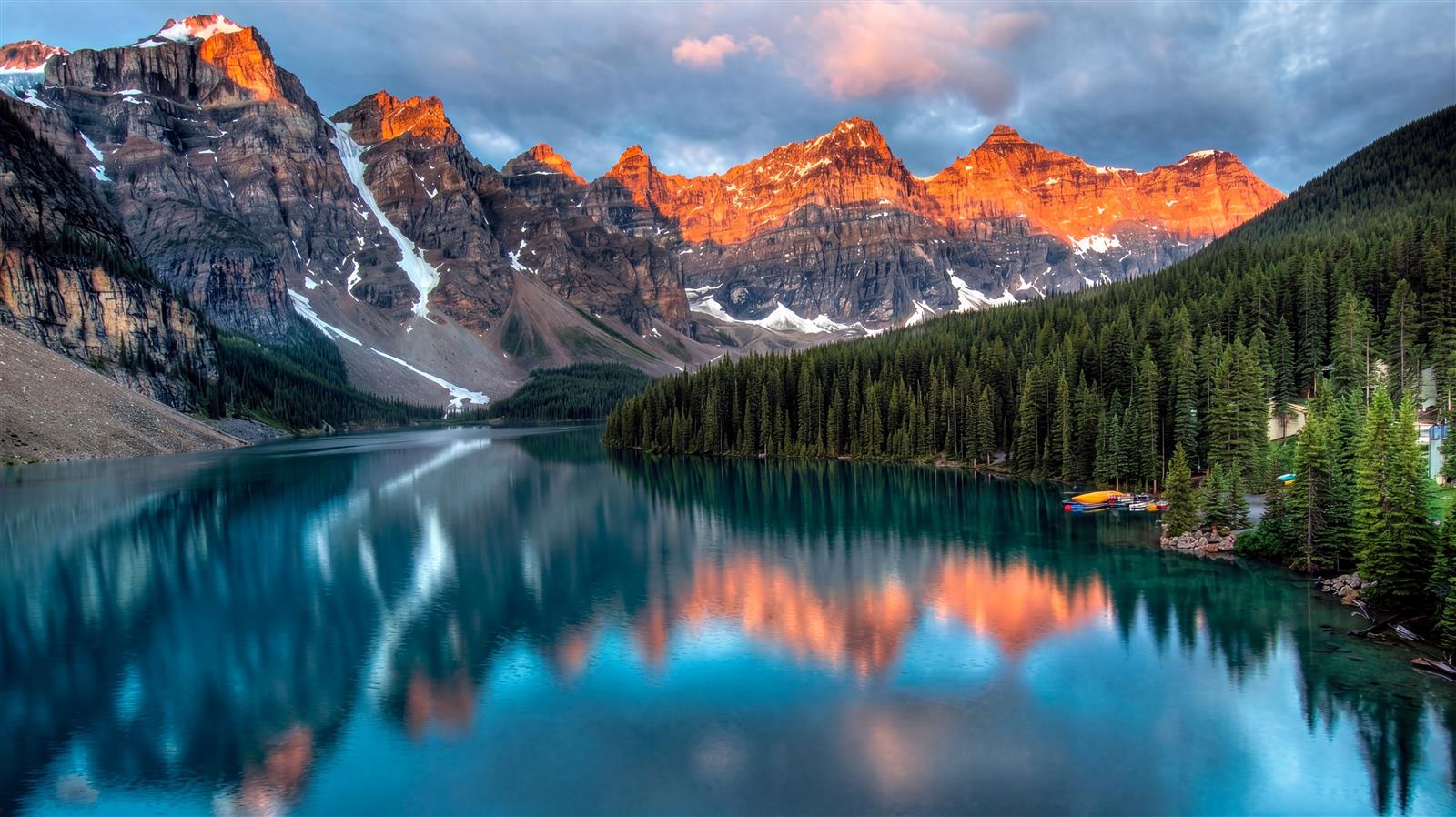
Create a photorealistic landscape closely matching the reference: turquoise alpine lake reflecting a rugged mountain range, sunlit orange peaks, dense evergreen forest along the right shoreline and dramatic blue clouds. Preserve the layered composition, calm reflections and rich but believable colors. Render a full-bleed 16:9 image in 4K, keeping the main subject fully visible. No text, logos, watermark, border or letterboxing.
Use H3 Image as an AI image generator for landscape concepts and nature stories. Explore a mountain lake, a forest waterfall, or desert dunes at sunrise. Set the season, weather, and viewpoint in your H3 Image prompt. An H3 Image landscape can support an editorial concept or mood board without representing a documented location.
Portrait Direction with H3 Image
H3 Image AI image generator promptH3 Image · 4K
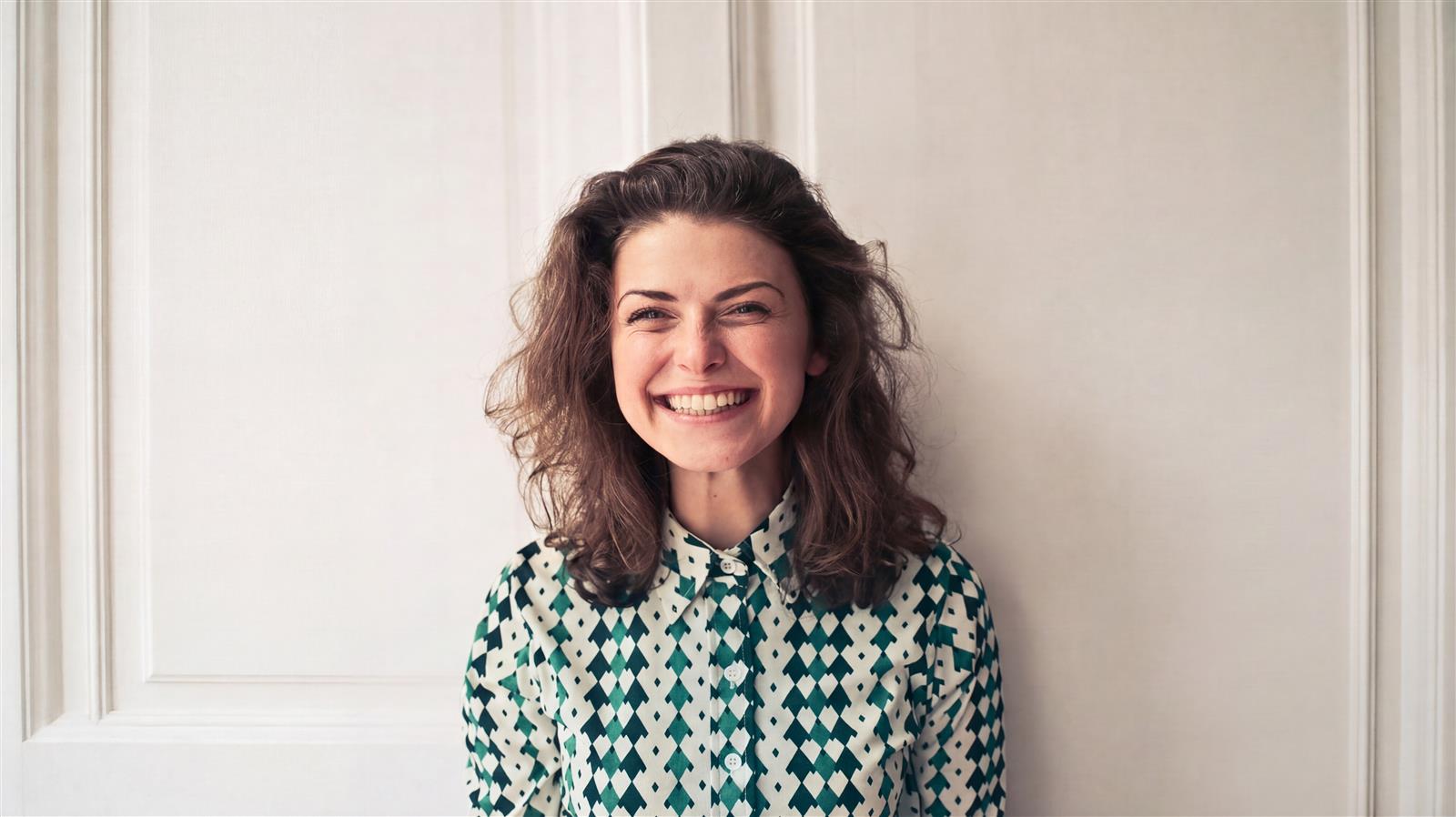
Create a natural editorial portrait closely matching the reference: a smiling young adult woman with shoulder-length wavy brown hair, wearing a buttoned green and ivory patterned blouse, against a softly lit cream paneled wall. Preserve the head-and-shoulders framing, joyful expression, soft daylight and realistic skin texture. Render a full-bleed 16:9 image in 4K, keeping the main subject fully visible. No text, logos, watermark, border or letterboxing.
Give the AI image generator a portrait brief built around a person and a moment. Compare a joyful close-up, a silver-haired window portrait, and an urban portrait with H3 Image. Describe expression, clothing, background, and light in your H3 Image prompt. Review faces and hands before choosing an H3 Image draft for an editorial concept.
H3 Image for Campaign Concepts
H3 Image AI image generator promptH3 Image · 4K
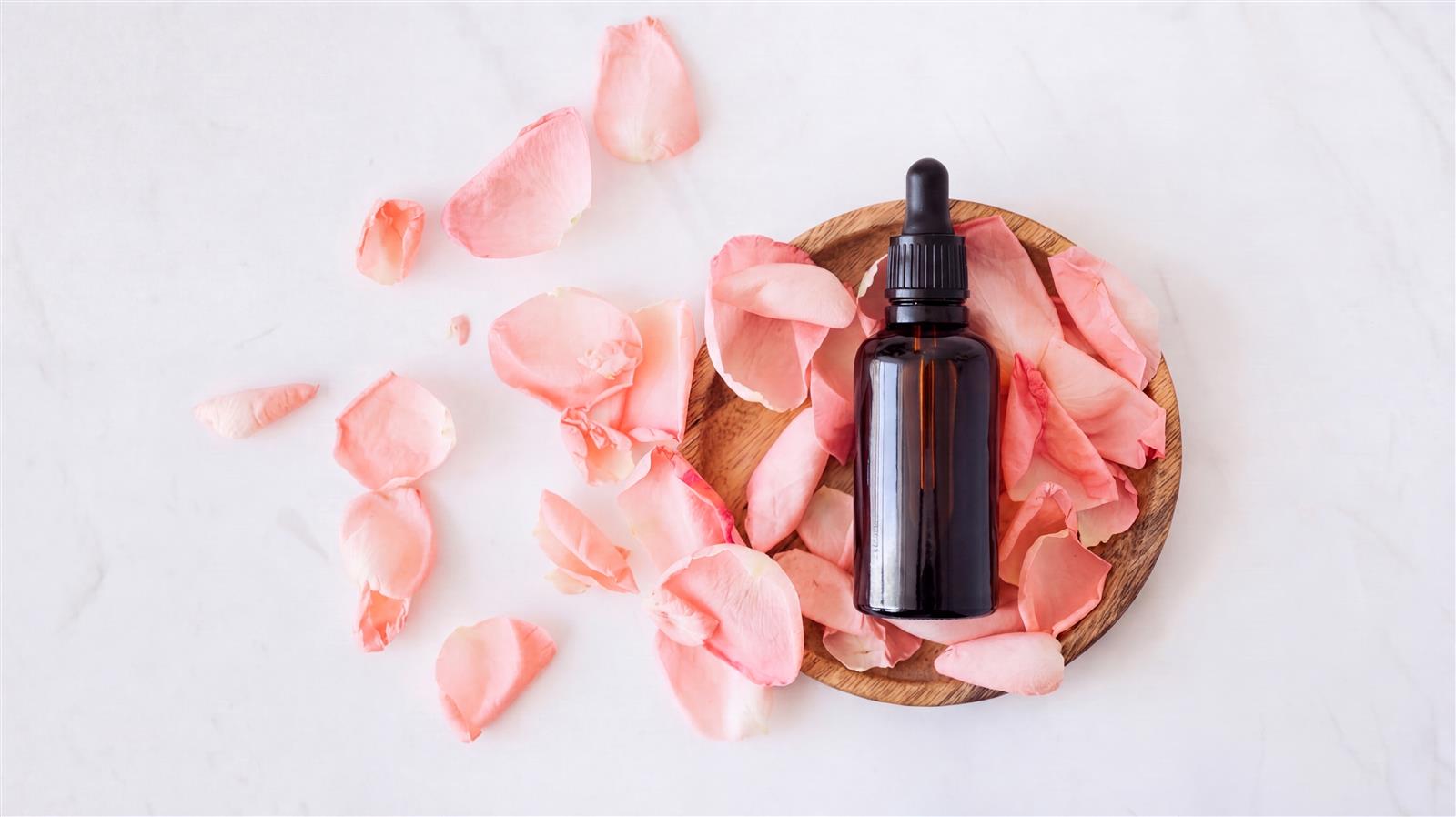
Create an overhead product photograph closely matching the reference: one unbranded amber glass skincare dropper bottle with black cap on an oval wooden tray, surrounded by scattered pale pink rose petals on a clean white surface. Preserve the generous negative space, soft shadows, delicate palette and complete bottle silhouette. Render a full-bleed 16:9 image in 4K, keeping the main subject fully visible. No text, logos, watermark, border or letterboxing.
Explore skincare, footwear, and audio campaign directions in the H3 Image AI image generator. Compare soft botanical styling, a warm display plinth, and a cool studio backdrop. Keep the product silhouette clear and leave room for your headline. Use an H3 Image concept to plan the scene, then check product details before approving the H3 Image draft.
Food Styling with H3 Image
H3 Image AI image generator promptH3 Image · 4K
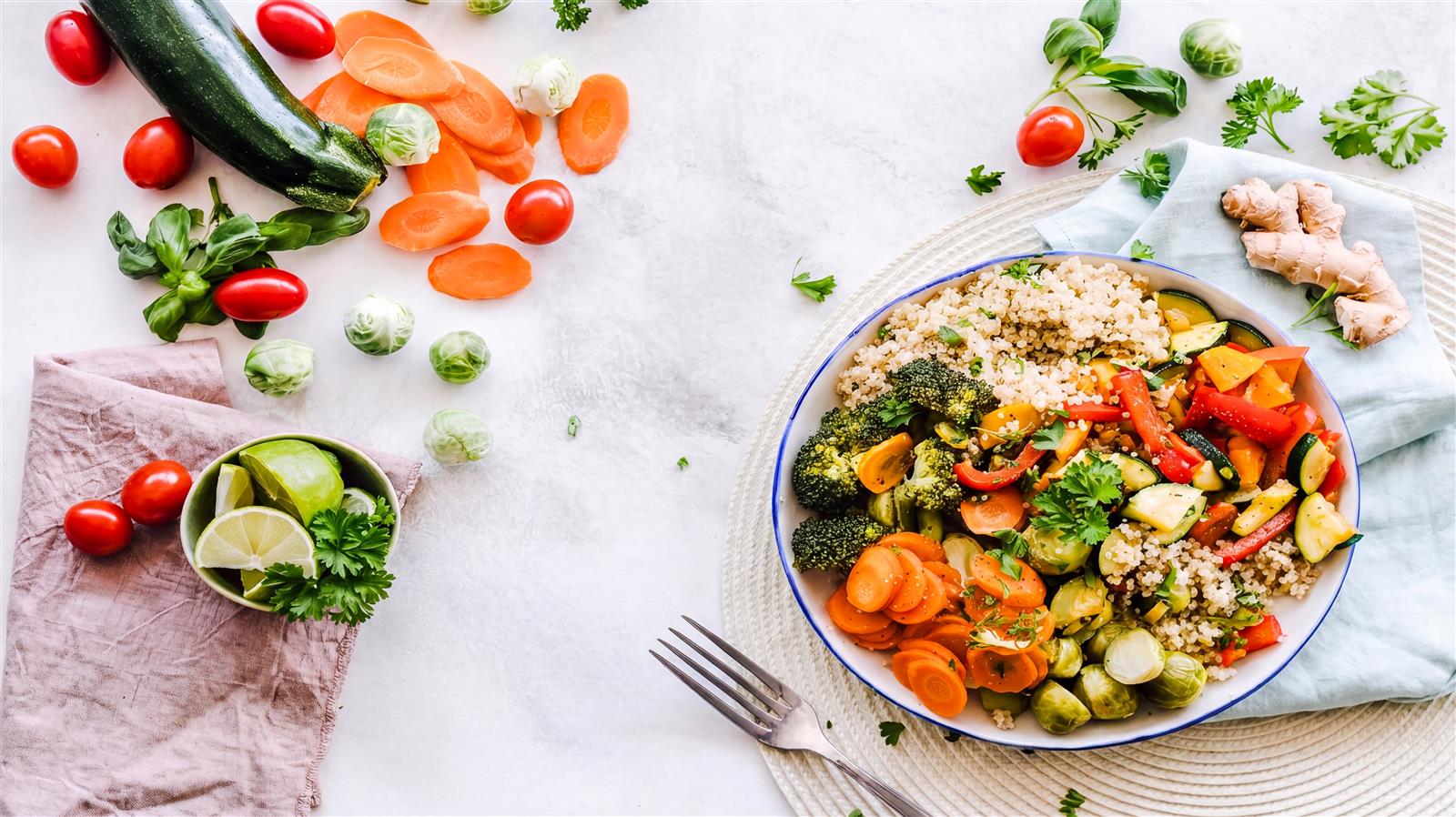
Create an overhead food photograph closely matching the reference: a colorful bowl of grains, roasted vegetables and greens on the right side of a pale stone table, surrounded by cherry tomatoes, cucumber, carrot slices, lime, herbs and a folded pale pink cloth. Preserve the fresh styling, bright diffuse light, empty center-left area and balanced arrangement. Render a full-bleed 16:9 image in 4K, keeping the main subject fully visible. No text, logos, watermark, border or letterboxing.
Plan food styling in H3 Image, from a fresh grain bowl to steaming ramen or a berry tart. Give the AI image generator a specific dish, ingredients, and lighting direction. Compare the H3 Image examples to explore overhead and three-quarter compositions. Use your H3 Image draft as a styling reference while keeping the final presentation faithful to the actual meal.
05 / WHY H3 IMAGE
Why Create with H3 Image?
Choose the MiniMax H3 Image AI image generator for its combination of detail, references, and editing control. These capabilities address different parts of a creative brief; the useful question is how they work for the picture you want to make.
4K
Inspecting H3 Image Detail
As a native 4K AI image generator, H3 Image supports high-resolution output, including a 4096 × 4096 square image. That gives you more pixels for inspecting textures and exploring crops. The model creates high-resolution output directly, rather than relying on an enlarged preview. When reviewing H3 Image results, inspect the actual output file: extra pixels help with detail, but they cannot correct an inaccurate face or object.
16 references
Assigning Roles to H3 Image References
MiniMax H3 Image accepts up to 16 references, giving the AI image generator visual context for your brief. One can identify the subject, another can establish the setting, and another can suggest the color palette. This gives H3 Image more visual context than a description alone. Start with the references that resolve a real ambiguity and explain their roles. Adding more images is useful only when they clarify the same creative direction.
Create + Edit
Creating and Editing with H3 Image
H3 Image works as both an AI image generator and a reference-based editor. You can develop an idea from words and then describe a focused change to an existing image. Name what should change and what should remain consistent, such as the subject, camera angle, or background. Each H3 Image result still needs careful review around the edited area, particularly when faces, labels, reflections, or fine edges are involved.
Your creative brief
Writing a Focused H3 Image Brief
With MiniMax H3 Image, you can give the AI image generator detailed visual instructions. Describe where objects sit, which subject receives attention, and how light connects the scene. This gives you a way to explore those constraints together, rather than treating style as the entire brief. H3 Image results vary, so compare drafts against your priorities instead of assuming every instruction has been followed perfectly.
06 / CREDIT PACKS
Choose Your H3 Image Credit Pack
Use the H3 Image AI image generator with a one-time credit pack. No subscription. No automatic renewal.
Starter
Explore prompts and try your first image edits.
$9.90 USD
One-time payment
500 credits
Up to 166 standard 1K / 2K images
Or up to 62 standard 4K images
Or 125 standard 2K edits with one reference each
Mix generation and editing within your credit balance
Alternative usage estimates at listed estimates, not combined allowances. Each reference adds 1 credit per output.
Can I use the H3 Image AI image generator online here?+
Write your prompt and choose settings in the H3 Image studio, then select Generate. If you are signed out, complete sign-in to continue with your saved prompt and parameters. Your result appears below the editor, with controls to enlarge, download or close the preview. Available credit packs are listed on the pricing page.
Does H3 Image need a reference photo?+
No. The H3 Image AI image generator can create an image from a written description. A reference helps H3 Image when you want to guide a particular subject, appearance, or existing composition. For a new concept, start with text and add visual references only when they make the direction clearer.
Will my subject stay exactly the same after an edit?+
An exact match is not guaranteed. H3 Image can use references and preservation instructions, but faces, proportions, colors, and small details may change. Keep the original nearby and compare both versions. For product work, pay particular attention to packaging, logos, and details that affect what customers understand. Treat the AI image generator output as a draft until you have checked those details in your H3 Image result.
Can H3 Image add words to the picture?+
You can request short text in your brief, but check every character before using the result. Keep critical wording short and easy to review. For exact brand fonts, legal copy, or a longer headline, add the final typography in your design tool after choosing the image. Use the AI image generator to explore composition, then proofread the text in your H3 Image result.
Is 4K always the best choice?+
Choose the output size for the intended use. A smaller draft may be enough to compare composition, while native 4K gives you more room to inspect and crop an H3 Image result. Final print quality also depends on layout size, the crop, and visible image defects, not just pixel dimensions.
Does H3 Image create videos or editable 3D models?+
The H3 Image AI image generator creates still images. A cinematic scene or a picture with realistic depth is still a flat image, not a video, a mesh, or a playable environment.
How can I improve an image that misses my idea?+
Identify the biggest mismatch first: subject, framing, lighting, or a specific detail. Give the H3 Image AI image generator one clear revision rather than changing the entire brief at once. Keep the successful parts explicit so you can compare versions meaningfully. The step-by-step guide explains how to organize a brief and references.
Can I use H3 Image with my own reference photos?+
Yes. In the H3 Image AI image generator, select Image to image, add your reference photos, and describe the change. H3 Image supports up to 16 references; each input adds to the estimated credit cost.
Where can I find my H3 Image results?+
Your completed H3 Image output appears in the studio with enlarge, download, and close controls. Sign in to My Creations to review saved results when returning later.
Which H3 Image resolution should I choose?+
Use 1K or 2K to explore a composition with fewer credits. Choose 4K when your final H3 Image output needs more pixels. Check the credit estimate before generating. The H3 Image AI image generator shows the estimated credit cost for your selected settings before you submit.